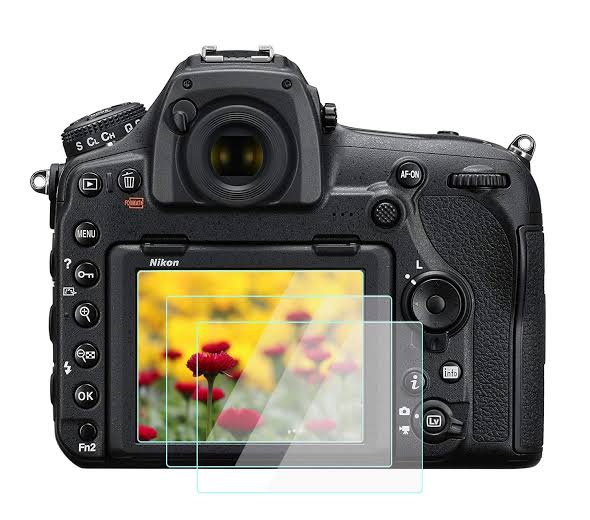
Nikon D850 Screen Protector
LCD Screen Protector For Nikon D850 Overview
Camera Screen Protector for Nikon D850 DSLR Camera,2 PackPackage
Screen protector for Nikon D850 DSLR Camera x 2HOW TO INSTALL
1.Clean the camera screen surface,Begin cleaning by using the alcohol perp wipe.Then remove all moisture with the lint free micro-fiber cloth.
2.Use dust-absorber to remove the screen surface any dust or lint in present.
3.Tear the protective layer of the protective film,align the bottom of the screen protector with your device.
4.Automatic adsorption protective film to the screen,gently press,the adhesive will apply itself smoothly across the surface.
Product Information
Product Information
Shipping & Returns
Shipping & Returns
Description
LCD Screen Protector For Nikon D850 Overview
Camera Screen Protector for Nikon D850 DSLR Camera,2 PackPackage
Screen protector for Nikon D850 DSLR Camera x 2HOW TO INSTALL
1.Clean the camera screen surface,Begin cleaning by using the alcohol perp wipe.Then remove all moisture with the lint free micro-fiber cloth.
2.Use dust-absorber to remove the screen surface any dust or lint in present.
3.Tear the protective layer of the protective film,align the bottom of the screen protector with your device.
4.Automatic adsorption protective film to the screen,gently press,the adhesive will apply itself smoothly across the surface.